/webmcp-tool: a page action becomes an agent tool
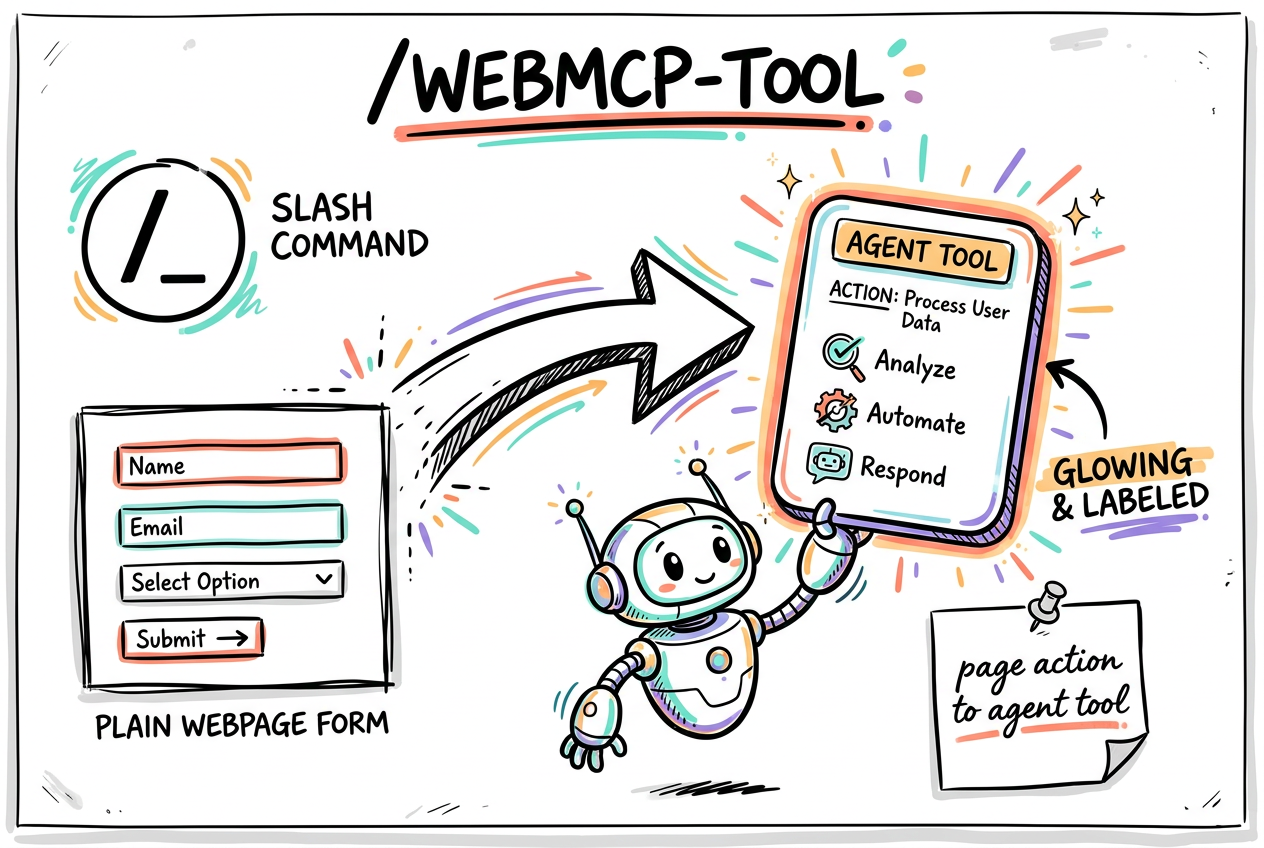
webmcp-tool is a Claude Code skill that turns any action on your web page into a WebMCP tool an in-browser AI agent can call directly. You hand it a form, a page, or a described action; it decides the right API, writes the code, bakes in the security hints, and tells you how to switch it on. No DOM scraping, no guesswork.
- Input: a form, a page, or a described action.
- Output: ready-to-paste WebMCP code + the enable line.
- Security and character budgets applied for you.
/webmcp-tool

(or just: "make this booking form usable by a browser agent")Pick the API: is it just a form?
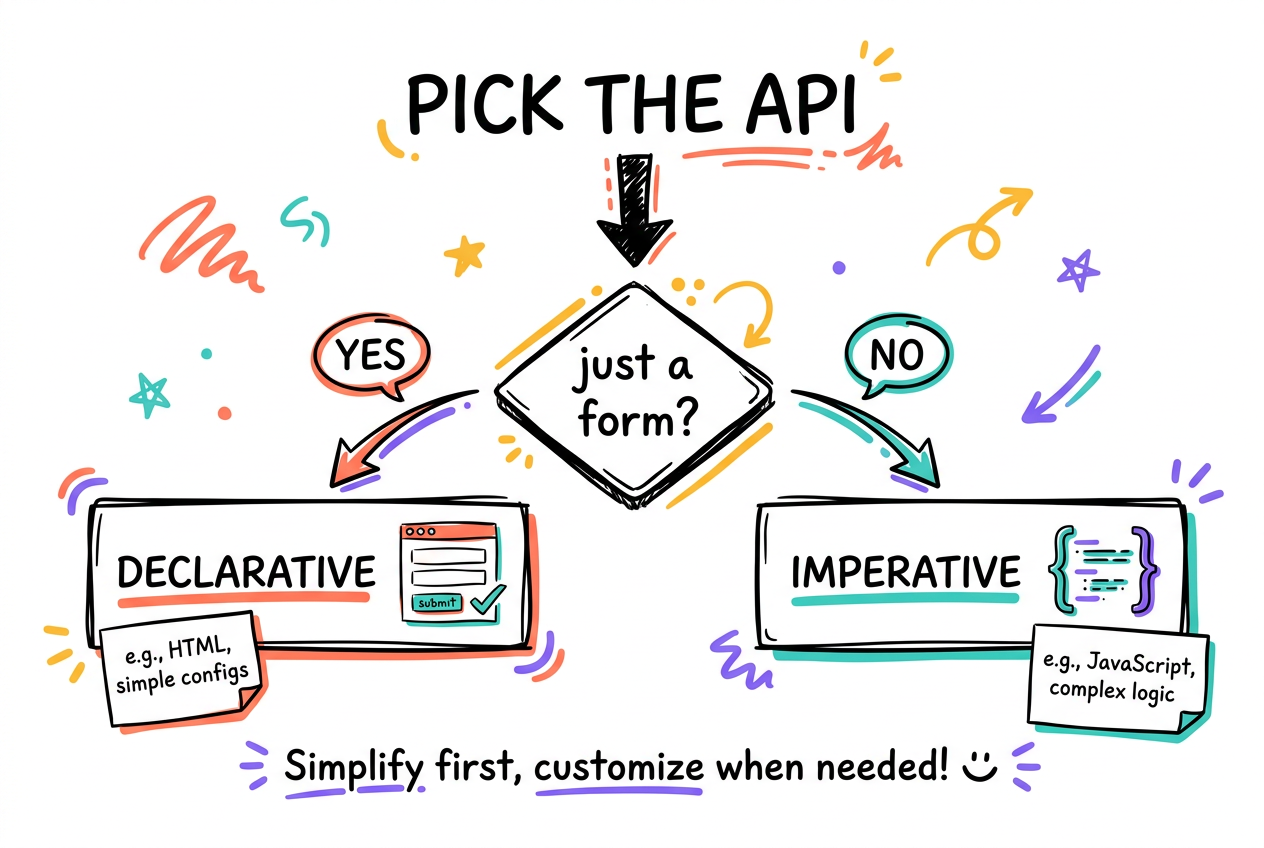
Every WebMCP tool is one of two shapes. If the action is a standard HTML form that submits data, use the Declarative API: you just tag the form, zero JavaScript. If it is more than a form (custom logic, live state, a computed result, dynamic arguments), use the Imperative API for full control. The skill makes this call first, then generates.
- Just a form that submits? Declarative. Tag it, done.
- More than a form? Imperative. Full control in JS.
- Prefer declarative whenever a form can express it.
Declarative: annotate the form
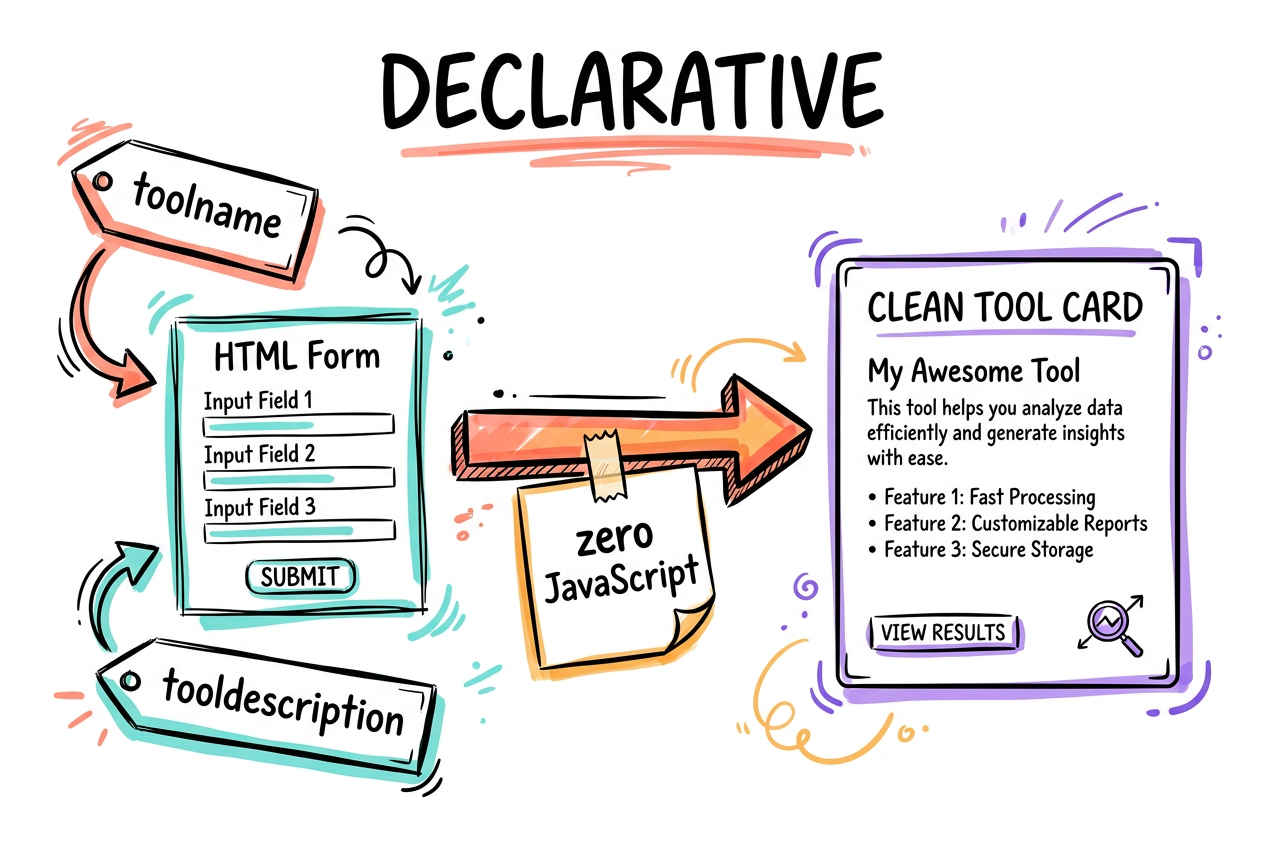
Add toolname and tooldescription to the <form> and the fields become the tool's parameters. The browser turns it into a structured tool. When an agent calls it, the browser focuses and fills the real form, and the user still sees it. Add toolparamdescription to a field to describe a parameter; otherwise the browser uses its <label>, then its aria-description. Remove the attributes and the tool unregisters.
- toolname + tooldescription register the tool.
- Fields become params; toolparamdescription refines them.
- Remove the attributes to unregister. No JS at all.
<form action="/book"
      toolname="bookAppointment"
      tooldescription="Books an appointment for a name and date.">
  <label for="name">Name</label>
  <input name="name">
  <label for="date">Date</label>
  <input name="date" type="date"
         toolparamdescription="Preferred date (YYYY-MM-DD)">
  <button type="submit">Book</button>
</form>Imperative: registerTool in JS
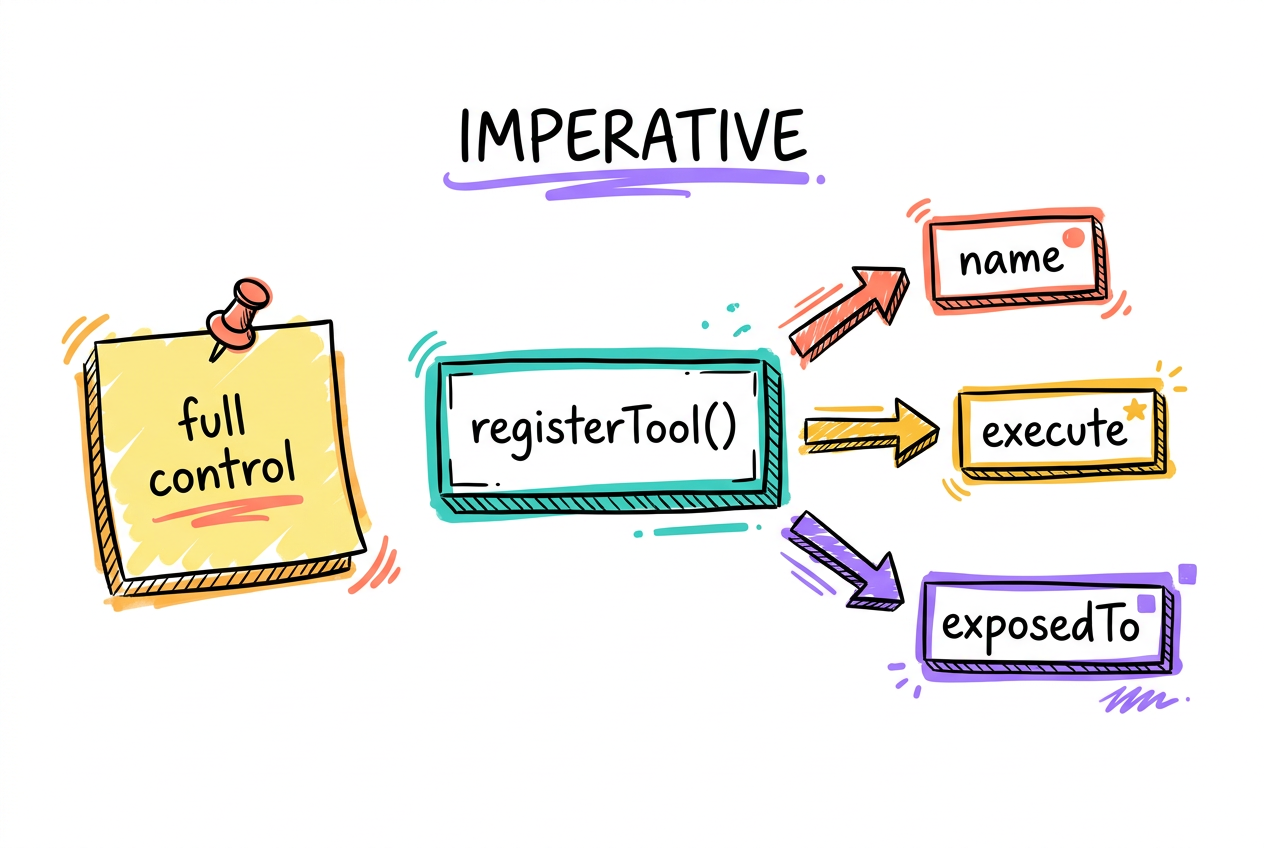
For anything past a form, register the tool with document.modelContext.registerTool. You define a name, description, an inputSchema, and an execute function that does the work and returns a plain string. Hints (readOnlyHint, untrustedContentHint) live in an annotations object inside the tool. The second argument holds options: exposedTo for trusted cross-origin sharing, and a signal you can abort to unregister.
- execute returns a bare string, not a wrapped object.
- Hints go in annotations, inside the tool definition.
- 2nd arg = options: exposedTo and an AbortSignal.
const addTopping = {
  name: 'add_topping',
  description: 'Add a topping to the current pizza order',
  inputSchema: { type: 'object',
    properties: { topping: { type: 'string' } }, required: ['topping'] },
  async execute({ topping }) {
    addToppingToCart(topping);
    return `Added ${topping}`;        // bare string
  },
  annotations: { readOnlyHint: false, untrustedContentHint: false },
};
const c = new AbortController();
await document.modelContext.registerTool(addTopping, { signal: c.signal });Secure it: hints, origins, budgets
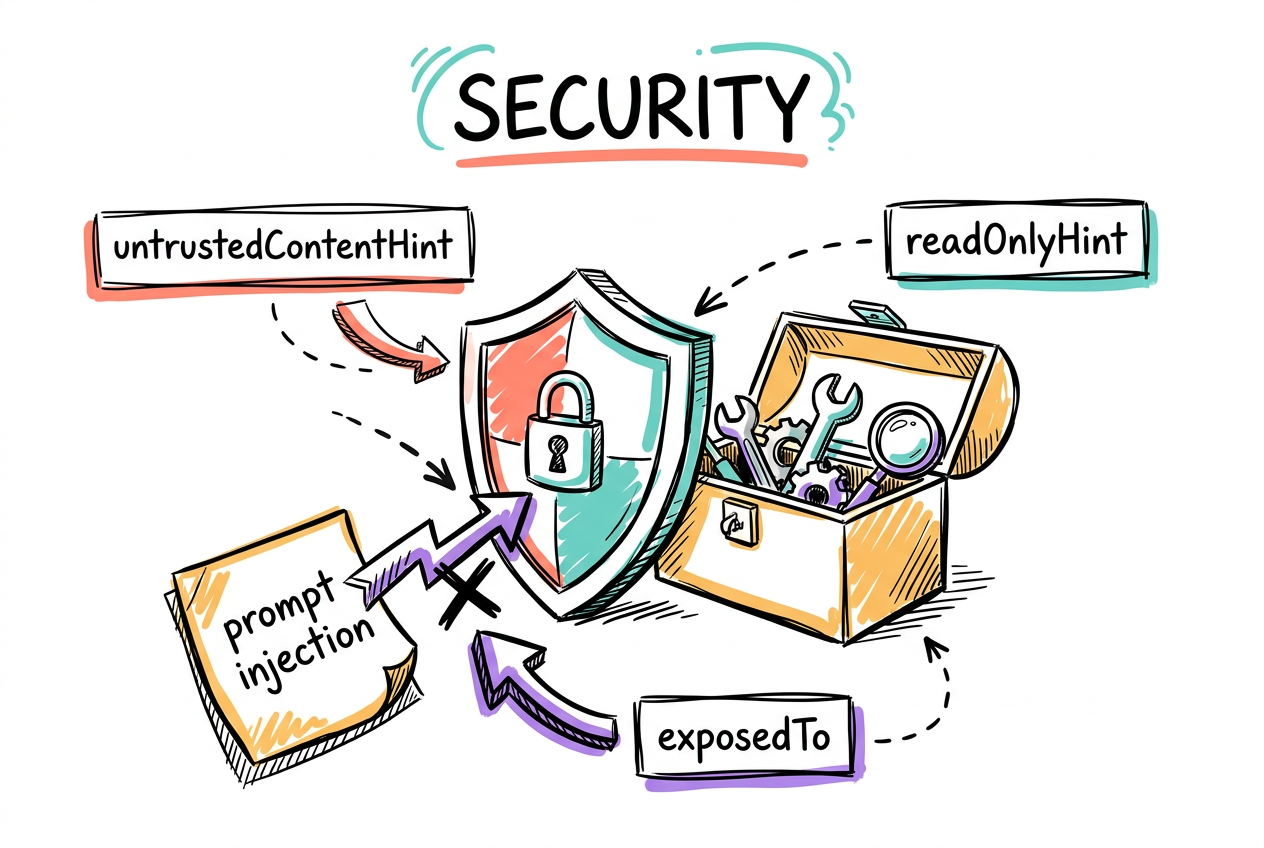
Agents are vulnerable to indirect prompt injection, malicious instructions hidden in data. The skill bakes in the defenses: flag untrusted payloads, mark read-only tools, only expose tools to origins you trust, and keep text short so it does not trip agent guardrails. A read-only tool can still leak user data, so exposure is deliberate, not default.
- untrustedContentHint on user or external data.
- readOnlyHint on tools that do not change state.
- exposedTo only trusted origins (default: same-origin).
- Budgets: ~500 desc / ~150 param / ~30 name / ~1.5K output.
Enable and test
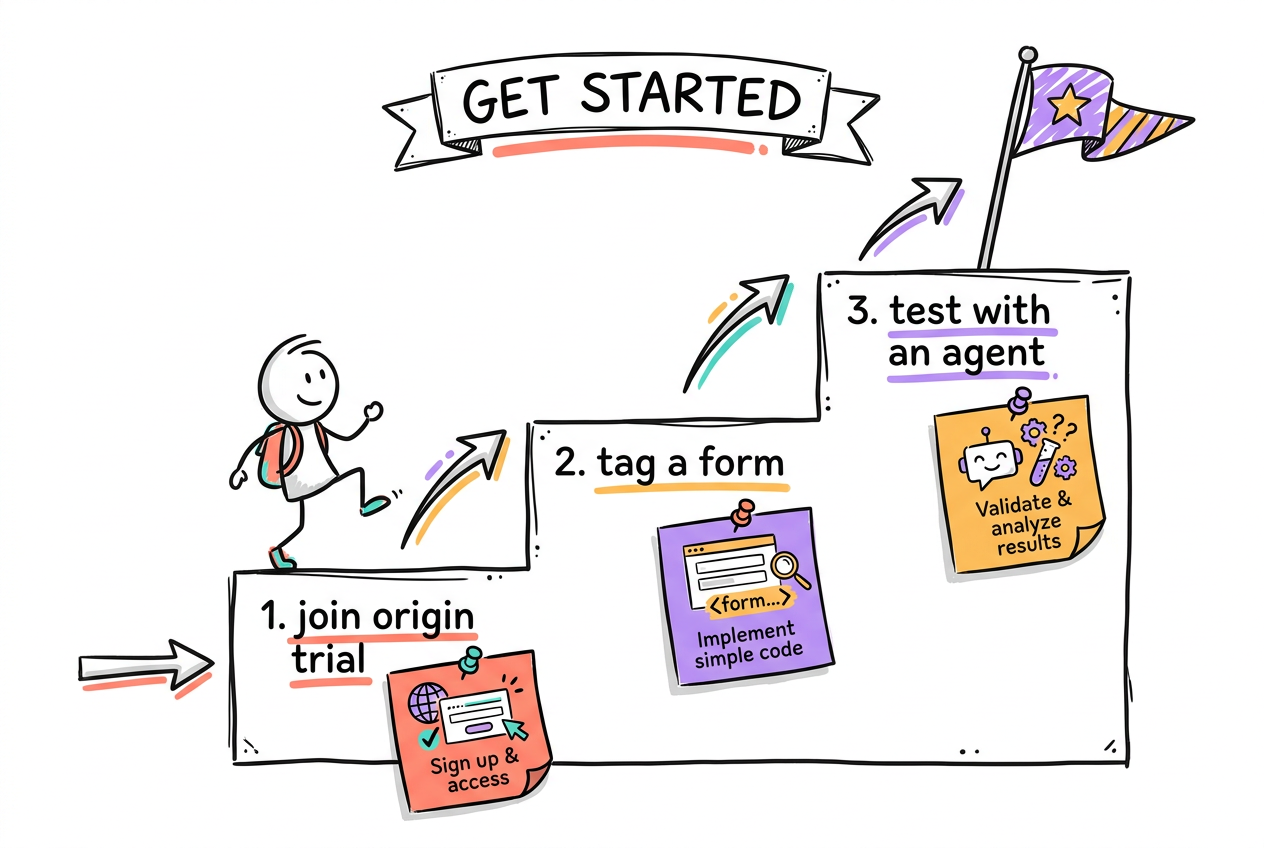
WebMCP ships behind Chrome's origin trial, so it is opt-in and the spec can still change. Register for the trial (or flip the Chrome AI dev-preview flags), then test: check the tool in isolation for call accuracy, write deterministic tests (it is just JS or HTML), and run an end-to-end pass with a real agent to catch mid-chain and wrong-order failures.
- Enable via the WebMCP origin trial (Chrome Status).
- Test in isolation, then deterministic, then end-to-end.
- Origin trial: prototype now, do not ship prod-critical yet.
When to reach for the skill
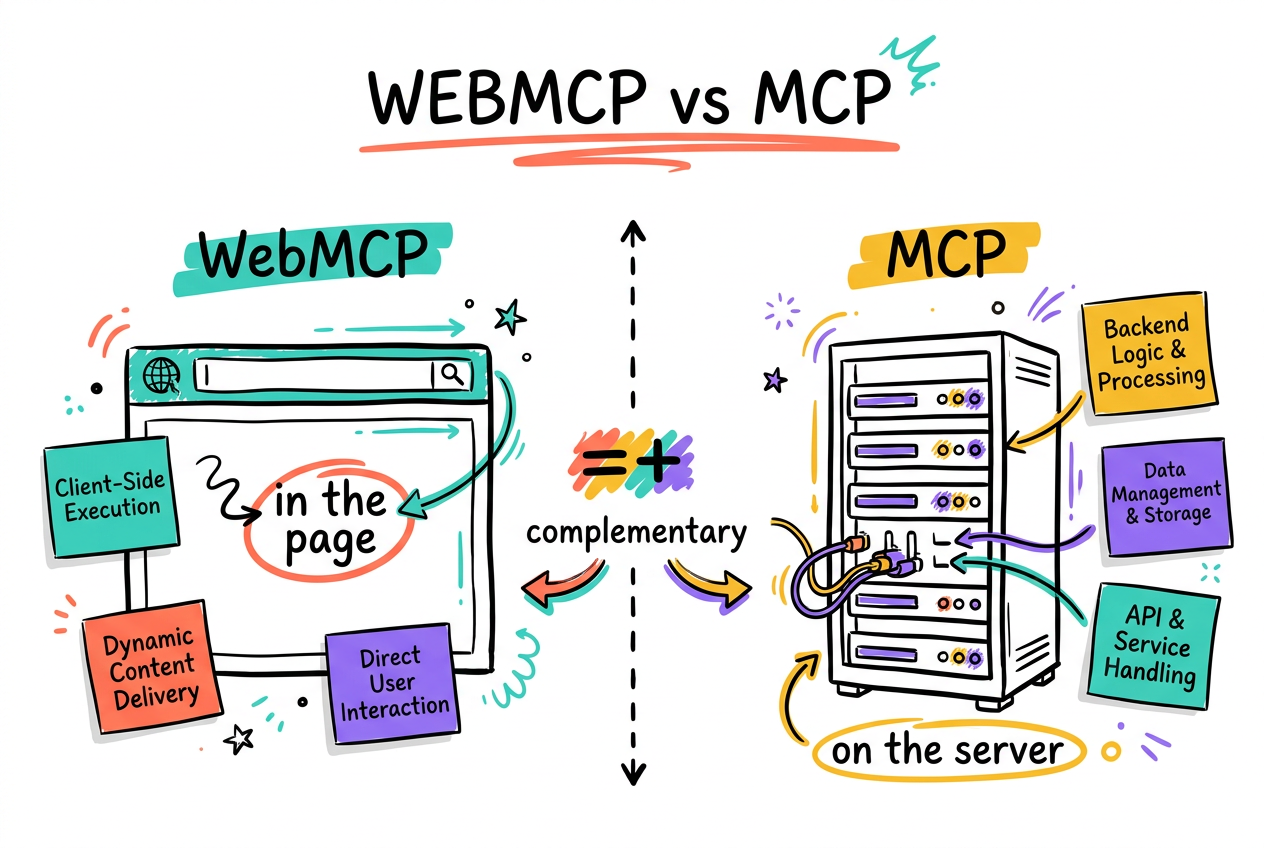
Use webmcp-tool when the action belongs to the live page the user is on, with their session and auth. That is what WebMCP is for. If the capability lives in your backend with no user session, that is a server-side MCP job instead. They are complementary; the skill is for the in-page half.
- In-page action, user's live session? WebMCP, use the skill.
- Backend capability, no session? Server-side MCP.
- Complementary, not competing. Pick by where it lives.